
Legacy HP Emulators
Many PC emulations of HP calculators from the HP-35 to the HP-34C, all of them executing the original microcode. Choose a calculator series below.
← Back to home page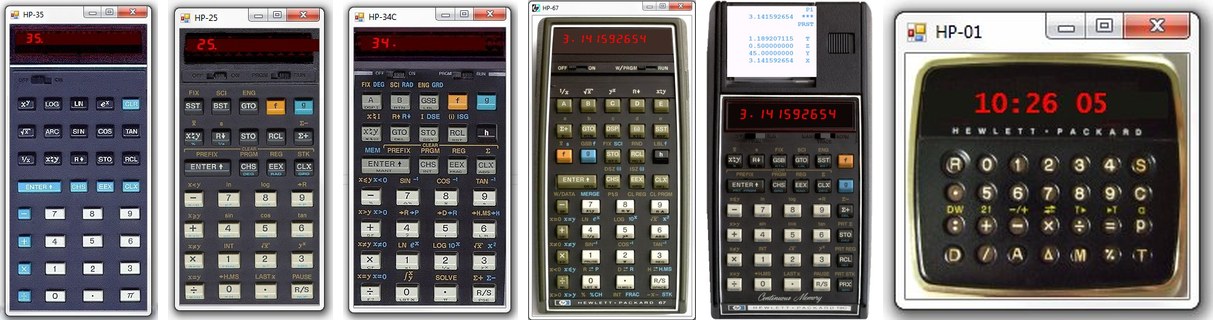
Choose a calculator series
Woodstock Emulators
HP-21 Emulator
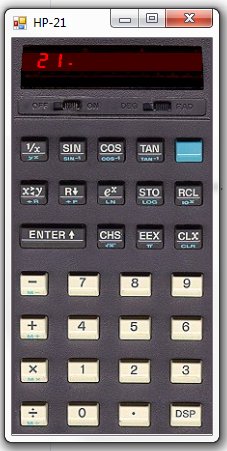
These are the non programmable desktop calculators, though they have all scientific functions you need. The HP-21 is a pure scientific RPN calculator. The HP-22 is the business model and the HP-27 combines scientific and financial functions. If you like these RPN calculators, this is your choice.
Download: HP-21 emulator · Users manual
HP-22 Emulator
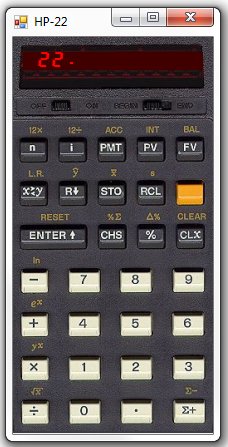
These are the non programmable desktop calculators, though they have all scientific functions you need. The HP-21 is a pure scientific RPN calculator. The HP-22 is the business model and the HP-27 combines scientific and financial functions. If you like these RPN calculators, this is your choice.
Download: HP-22 emulator · Users manual
HP-25 Emulator
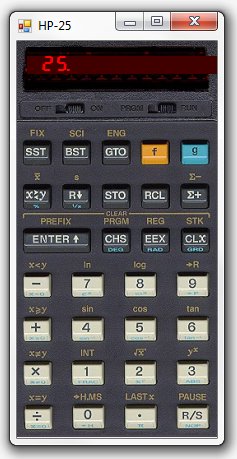
Why not have a choice for your favourite calculator. This HP-25 emulator is not less useful than the HP-67, because you can save and load programs as if it had a card reader. Of course the more advanced HP-67 has 224 program steps and more registers, but 49 program steps and 8 registers are enough for many applications. Not to mention, that manual calculating is the most of daily use.
There are no extras! Just the pure calculator!
You can save/load your programs and registers.
You can use the PC keyboard.
You can add your own image.
Download: HP-25 emulator · Users manual
HP-27 Emulator
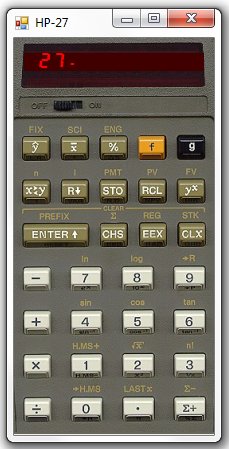
These are the non programmable desktop calculators, though they have all scientific functions you need. The HP-21 is a pure scientific RPN calculator. The HP-22 is the business model and the HP-27 combines scientific and financial functions. If you like these RPN calculators, this is your choice.
Download: HP-27 emulator · Users manual
HP-29C Emulator
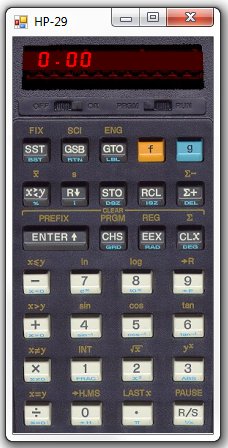
Do you like the top scientific calculator of the Woodstock models? Here is the early HP-29C. It is programmable and has double the program space of the HP-25.
You can save and load your programs and data registers.
You can edit your programs with a text editor.
Download the best available HP-29C calculator emulation.
Download: HP-29C emulator · Users manual
Spice Emulators
HP-31E Emulator
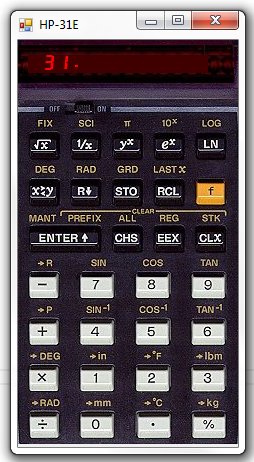
Get the spice girls. These models are called the Spice calculators. They were the successors of the Woodstock calculators.
Download the basic scientific Spice calculator, the HP-31E.
Download: HP-31E emulator · Users manual
HP-32E Emulator
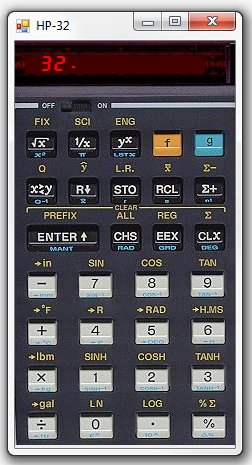
The non programmable scientific calculator of the Spice models.
Download: HP-32E emulator · Users manual
HP-33E/33C Emulator
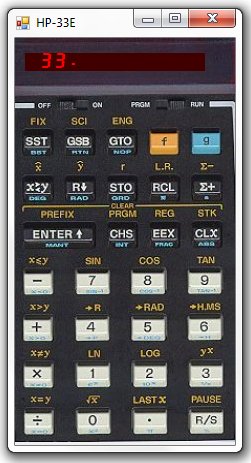
The programmable scientific calculator of the Spice models. The HP-33E is very similar to the HP-25. It has the same functions and the same amount of program memory and registers.
Download: HP-33 emulator · Users manual
HP-34C Emulator
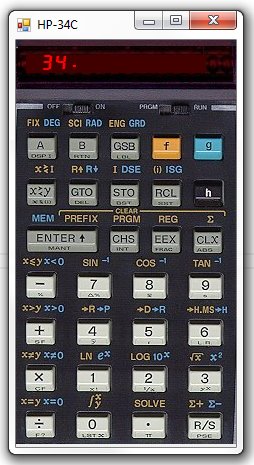
The real flagship of the Spice calculators. A scientific programmable, which tops even the HP-67. It was the first calculator, that had the Solve function for solving equations and also could perform numerical integration.
Download the marvelous HP-34C as your desktop calculator.
Download: HP-34C emulator · Users manual
HP-37E Emulator
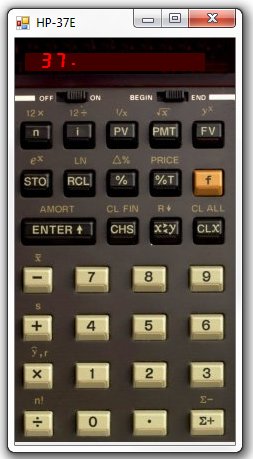
The non programmable and the high end programmable financial calculators of the Spice models.
Download: HP-37E / HP-38E emulator · Users manual
HP-38E/38C Emulator
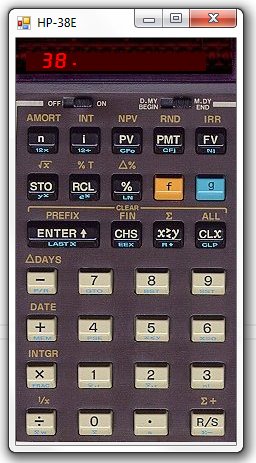
The non programmable and the high end programmable financial calculators of the Spice models.
Download: HP-37E / HP-38E emulator · Users manual
Classic Emulators
HP-35 Emulator
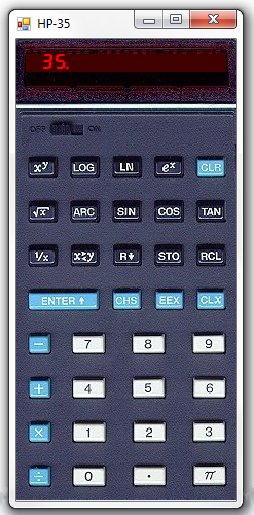
The Classic HP-35 was the first Hewlett-Packard pocket calculator.
There is no extra functionality, except for keyboard shortcuts.
Download your PC desktop HP-35 emulation of this first scientific pocket calculator which had trigonometric and logarithmic functions.
Download: HP-35 emulator · Users manual
HP-45 Emulator
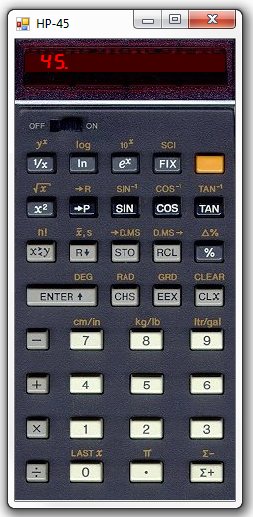
The HP-45, successor of the first pocket calculator, had more functions and storage registers.
Download your PC desktop HP-45 emulation of this second scientific pocket calculator.
Download: HP-45 emulator · Users manual
HP-55 Emulator
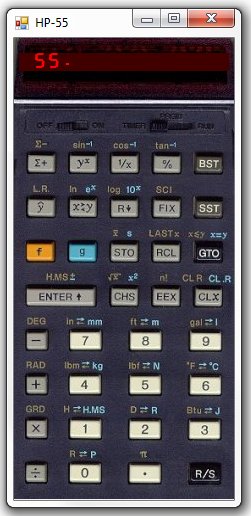
The second programmable calculator and the first with an integrated stopwatch timer. It was the low cost successor of the famous HP-65, the first programmable with a magnetic card reader.
Because the HP-55 did not have a card reader, it lost its memory when switched off. For this reason we do not provide saving and loading programs in this emulation.
Download your PC desktop HP-55 emulation of this rare programmable pocket calculator.
Download: HP-55 emulator · Users manual
HP-65 Emulator
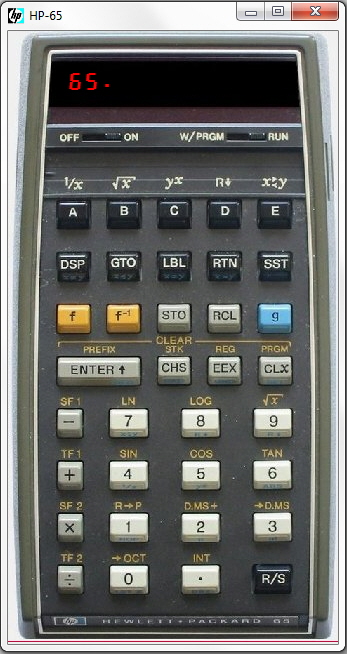
The very first programmable pocket calculator with a magnetic card reader!
This classic pocket calculator was the first calculator, ever, which didn't lose its memory, because it had the possibility to save its program to magnetic cards.
It has 100 Program steps and 9 Data register.
Emulating the original Microcode.
You can save and load files to/from disk.
Download: HP-65 emulator · Users manual
HP-70 Emulator
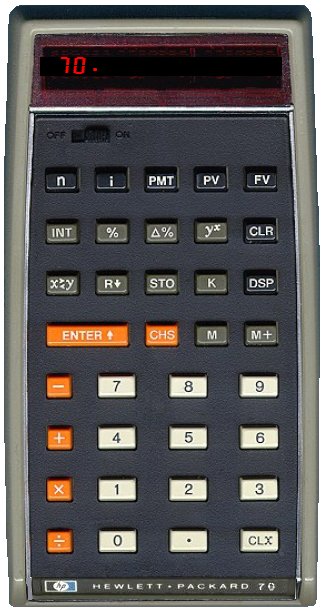
The business calculator encounter of the third kind.
We are presenting the first HP-70 emulator, which executes the original microcode. It was extracted for the first time from an original HP-70 calculator and presented at the European Allschwil Meeting Oct 22nd 2016.
This business calculator was introduced shortly after the HP-80 as a reduced low cost version. It had a unique orange color scheme and no prefix key.
Try its unique functions. It is the only HP calculator, which has the CLX button not at the normal place on the right side of the ENTER key.
Download: HP-70 emulator · Users manual
HP-80 Emulator
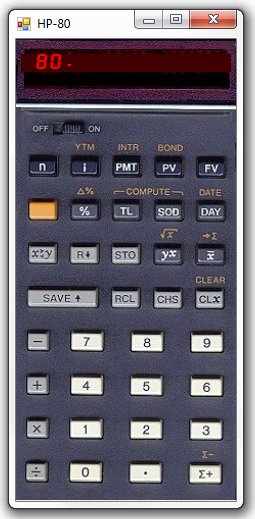
The HP-80 was the advanced financial and business calculator after the first HP-70.
Download your PC desktop HP-80 emulation for making calculations with this classic financial pocket calculator.
Download: HP-80 emulator · Users manual
HP-67 Emulator
HP-67 Emulator
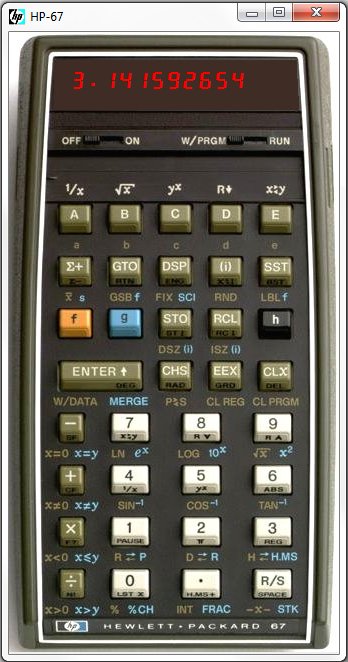
This emulation of the famous HP-67 calculator is running under Windows XP/7/8/10. It executes the original HP-67 microcode. Therefore every calculation is performed exactly identical as if using a real HP-67. It contains every function of the original calculator. Of course there is no card reader on a computers desktop. But you can save and load your programs and registers to/from file.
You can edit your program text files.
You can choose an image of your own.
You can use fast keyboard entry instead of mouse clicks.
Nothing else! No additional features, No 10000 program steps, No hundreds of registers. No high speed calculation. No extras.
Just the HP-67.
Download: HP-67 emulator · Users manual
HP-01 Emulator
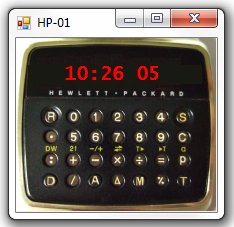
We offer you a unique HP-01 wristwatch calculator emulation for your PC, showing always the actual date and time on your desktop. The famous HP-01 is the most wanted collectible from the LED era in the seventies. Even after 40 years its style and engineering design is timeless. If you own a HP-01 or not, in both cases you will be proud to have a perfect emulation of the original HP-01 running on your PC. It includes a stopwatch with 1/100 s and lap time, alarm clock and of course a complete calculator with basic arithmetic operators.
Prototype microcode – free
The HP-01 prototype microcode was published in the patent specification US4158285. It differs from the original HP-01 sold in 1977. It does not contain the percent function and has different key assignments.
Download: HP-01 stainless steel for Windows 7/8/10
Original microcode
This is the only emulation of the HP-01 original microcode available. It behaves identical to the original HP-01. It contains all its functions. The keys are identical to the real watch.
This HP-01 version gives you also the possibility to choose between different layouts, you can change between stainless steel, gold plated and more, even you can add your own image.
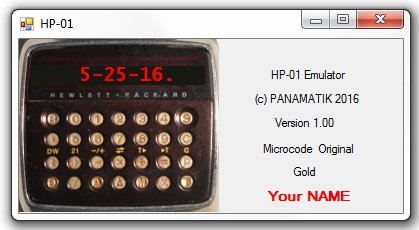
It is also personalized by your name or company, or even your photo. You can send your photo before purchase and it will be compiled in the program and visible right of the watch if you maximize the dialog.
HP-19C Emulator
HP-19C Emulator
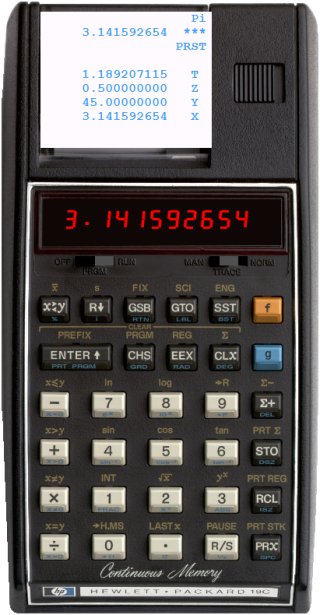
This is the only original microcode emulator for the famous HP-19C ever made. It is programmable similar to the HP-29C, but includes printing.
The Emulation now includes everything and handles printing in MAN/TRACE/NORM mode as the original calculator does. It is the first and only HP-19C microcode emulator ever running on a PC.
You can save and load programs and registers.
You can use the PC keyboard for making your calculations.
You can select your own transparent calculator image and size.
Download: HP-19C emulator · Users manual